
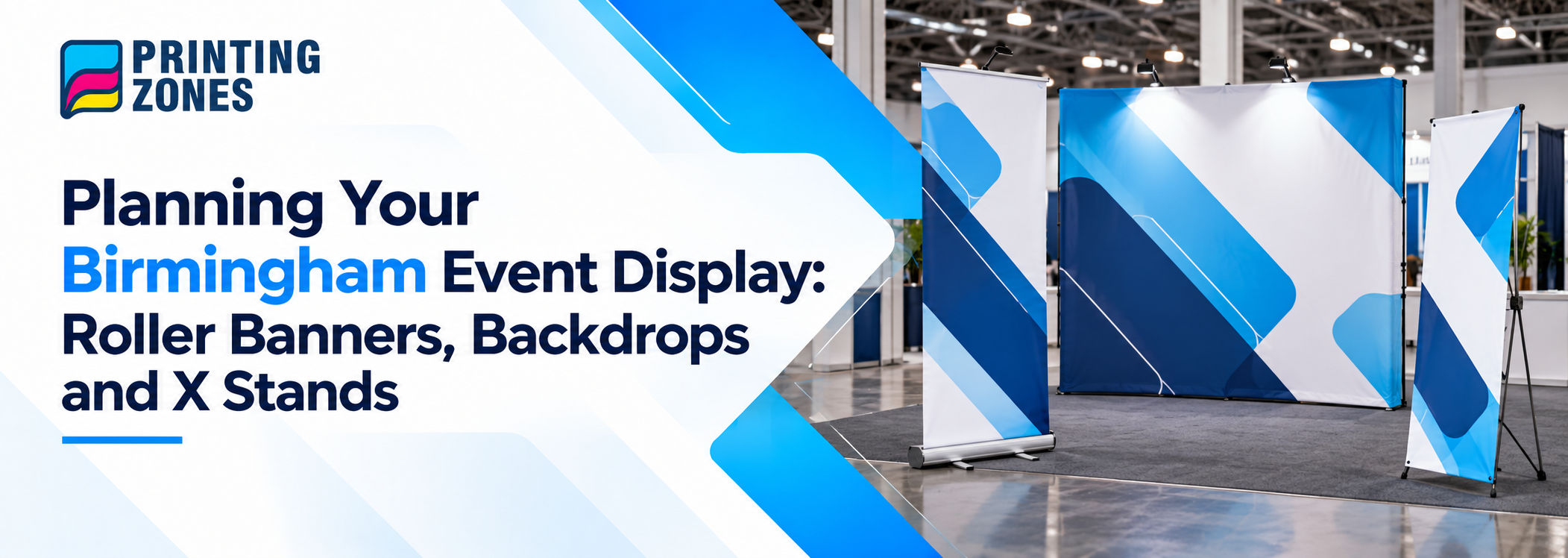
An effective event display helps visitors understand your business before your team begins speaking. It introduces your brand, communicates a relevant message and gives people a reason to engage.
If you are preparing for an exhibition, conference or promotional event in Birmingham, choosing the display equipment is only one part of the planning. You also need to decide what each graphic should communicate, how the products will work together and whether existing equipment can be reused.
Roller banners, backdrops and X pop-up stands serve different purposes. Understanding those differences can help you build a coordinated setup without repeating the same message across every surface.
This guide explains how to choose the right combination, prepare your artwork and organise the details before production.
Start with Your Event Objective
Before selecting a stand, decide what the event needs to achieve for your business.
You might want to introduce a product, explain a specialist service, meet potential partners or encourage enquiries. Each objective suggests a different display message.
For example, a product demonstration needs graphics that help visitors understand what is being demonstrated. A networking setup may benefit from a straightforward business introduction.
Write down one main objective and use it to assess your display decisions. If a proposed graphic does not support that objective, consider whether it needs to be included.
Think About the Visitor’s First Question
Someone approaching your stand may know very little about your business.
Your display should help answer a simple question: “Is this relevant to me?”
A recognisable logo identifies your company, but a clear headline explains why a visitor might want to stop. Lead with something meaningful about your offer rather than relying entirely on your business name.
Understand the Different Display Formats
Choosing the right format begins with understanding how each product works and where it fits into your setup.
Roller Banners for Focused Messages
A roller banner uses a printed graphic that pulls up from a retractable base.
It can introduce your business, explain a service or highlight a product within a suitable indoor display area. Its compact storage format makes it useful for businesses attending different events.
Printing Zones UK offers standard-width and wider roller banner options. Choose according to your available space and artwork, using the selected product’s template when preparing the design.
A wider display can accommodate a different layout, but it should still have a clear message.
Backdrop Stands for Overall Branding
A backdrop creates a broad visual background for your setup.
It can establish your company identity behind a presentation, support an exhibition stand or provide a branded area for photographs.
Think of the backdrop as the element that connects the setup. It does not need to repeat every service detail shown on your other graphics.
When comparing backdrop options, confirm the selected configuration, finishing requirements and what is included.
X Pop-Up Stands for Separate Displays
An X pop-up stand supports its graphic using an X-shaped frame.
It provides an alternative to the retractable format and can suit appropriate indoor promotions, reception areas and event displays.
Because the structure differs from a roller banner, the artwork and fitting requirements differ too. Do not assume that a graphic prepared for one system can be transferred directly to another.
Give Each Display a Different Job
A coordinated exhibition setup should help visitors find information in a sensible order.
If every banner contains the same logo, long headline and full service list, the additional displays may add little value.
Instead, assign a purpose to each element.
Display
Possible role
Content focus
Backdrop
Establish the overall brand presence
Company identity and campaign theme
Main roller banner
Introduce your offer
One clear headline and relevant imagery
Supporting roller banner
Explain a product or service
Specific benefits or applications
X pop-up stand
Highlight a separate message
Demonstration, offer or visitor information
You do not need every product for every event. A single well-planned banner may be enough for a focused presentation.
Choose the combination that supports the event objective and fits the permitted display space.
Decide Whether You Need Printing, Hardware or Both
Before ordering, check the equipment you already own.
Printing Zones UK’s supplied roller banner products offer three purchasing options: Stand with Printed Graphics, Print Only and Stand Only.
When a Complete Printed Stand Makes Sense
Choose a complete stand with printed graphics when you need both parts of the display.
This is a straightforward starting point for a new setup or when existing equipment is unsuitable for the project.
Confirm that you have selected the complete product configuration when reviewing the order.
When to Consider Print Only
A replacement graphic may be useful when your existing stand remains suitable but the message needs updating.
However, compatibility must be checked before ordering. The fitting method and hardware requirements matter, as well as the graphic format.
Share the stand details with your printer. A replacement should be prepared for the actual equipment rather than based on an assumption that all retractable systems are interchangeable.
When Stand Only Is Appropriate
A stand-only order may suit a project where a compatible printed graphic is already available.
Check the graphic’s fitting requirements against the proposed hardware before purchasing. Having an existing print does not automatically establish compatibility.
Plan Around the Birmingham Event Space
The venue arrangement should influence your display choices.
Review the organiser’s instructions and your booked space before preparing the final layout. Check where freestanding displays may be positioned and whether any event-specific material requirements apply.
Consider the Direction Visitors Will Approach
Think about what someone will see as they move towards your stand.
Place the main message where it can be read from the likely approach, within the event’s rules. A banner hidden behind furniture or facing away from visitors may not serve its intended purpose.
Keep the Team’s Working Area Clear
Your team needs room to welcome visitors, demonstrate products and hold conversations.
Avoid creating a visual barrier between staff and attendees. Position displays so they support the interaction while keeping access routes clear.
Account for Tables and Equipment
A table or demonstration unit can conceal part of a graphic.
Keep essential wording where it will remain visible in the planned setup. Review the artwork alongside the stand layout rather than judging it only as an isolated design.
Build a Consistent Visual Identity
Different display formats should look like parts of the same campaign.
Use the same approved logo files, colour palette and typography across the artwork. Images should also share a consistent style where practical.
Consistency does not mean making every graphic identical. A backdrop may use a broad campaign image, while a roller banner focuses on a service explanation.
The connection should remain clear even when the content changes.
Use a Shared Message, Then Add Detail
Start with a campaign theme that can connect the setup.
Each display can then develop one relevant part of that theme. This helps visitors understand how the products or services relate without reading repeated paragraphs.
Keep Claims Specific and Accurate
Describe what your business offers using wording you can support.
A clear explanation of a service is more useful than an unsupported claim that it is the best. Review promotional statements with the same care as contact details and artwork.
Prepare Artwork for Each Product Separately
A roller banner file should not simply be stretched to create a backdrop.
Different formats need different layouts, and each product may have its own bleed, safe-area and fitting requirements.
Use the appropriate template or preparation instructions for every item.
Gather Original Brand Files
Provide your current logo, approved wording and suitable images.
Original artwork files are preferable to screenshots or images copied from social media. Keep editable working copies so future revisions can be made without rebuilding the design.
Follow the Accepted File Requirements
The supplied Printing Zones UK product pages list JPEG, PDF, PNG, PSD and AI as supported formats.
An accepted format does not automatically make a file ready for print. The artwork must also meet the selected product’s preparation requirements.
Protect Important Content
Keep logos, headlines and contact information clear of trimming areas, concealed sections and hardware attachment points.
For backdrops and other framed displays, check how the graphic will be fitted before finalising the layout.
Choose the Right Level of Design Support
Artwork readiness varies between projects. Some businesses have completed designs, while others have only a logo and the wording they want to use.
Printing Zones UK provides different artwork routes.
Upload Completed Artwork
If your files are ready, upload them through the relevant product’s ordering system.
Label each file clearly so it can be matched to the correct display.
Email Artwork Later
If the design is still being prepared, the supplied product pages include an option to email artwork later.
Instructions are provided after checkout. Remember that artwork readiness and approval affect production and delivery planning.
Use the Free Text and Background Option
The free design service is limited to text and background.
This may suit a simple layout. Share the exact wording and background preferences rather than leaving important details open to interpretation.
Discuss Professional Design Support
A professional design option is available for projects needing additional assistance.
Explain the event objective, audience and intended display arrangement. This gives the designer useful context beyond a list of words and images.
Review the service scope for the selected product before confirming your choice.
Organise Multiple Graphics Clearly
A combined display order can become confusing if the artwork is not labelled consistently.
Use a simple project list that identifies:
The display product.
The artwork filename.
The approved design version.
The quantity required.
Any product-specific instructions.
For example, distinguish the main backdrop from a product-focused roller banner and a separate promotional display.
Avoid filenames such as “final-new-latest”, which become difficult to follow after several revisions. Clear naming helps everyone identify the intended production file.
Review Every Proof Before Approval
Proof approval is the point to confirm that the design matches the project.
Check each display individually, then review the graphics together as a coordinated setup.
Check the Content
Review spelling, business names, contact details, promotional wording and any event-specific information.
If a QR code is included, test the correct code for that artwork version.
Check the Layout
Confirm that the headline is prominent and essential information is positioned appropriately.
Consider what furniture, equipment or people may obscure once the display is in use.
Confirm One Final Approver
Nominate one person to provide final approval.
This reduces conflicting feedback and helps prevent an earlier version being approved accidentally.
Printing Zones UK provides an artwork proof for approval before printing.
Plan Delivery as Part of the Project
Share your Birmingham event deadline when discussing the order.
Allow time for gathering files, preparing artwork, reviewing proofs and resolving specification questions. Delivery time is calculated once artwork has been approved.
Confirm the delivery address and check any receiving arrangements at the destination. If you intend to send materials to an event venue, verify its instructions before selecting that address.
Printing Zones UK is physically based in Manchester and offers UK-wide delivery, including Birmingham.
For campaigns involving several destinations, discuss the arrangements before confirming the order.
Prepare for Reuse After the Event
A display can remain useful beyond one exhibition when the message stays relevant and the hardware and graphic remain in suitable condition.
If reuse is part of the plan, consider whether temporary dates or short-lived offers need to dominate the artwork.
Follow the handling and storage instructions for each product. Check the equipment before using it again, particularly where it has been transported between locations.
After the event, record any useful feedback. Did visitors understand the main message? Was important content obscured? Did the combination of displays support conversations?
Those observations can guide the next design update.
Bring Your Event Display Together
A useful display setup gives every graphic a purpose.
Start with your event objective, choose the equipment that fits the space and prepare artwork that works across the selected formats. Clear file organisation and careful proof approval help turn that plan into a coordinated presentation.
Explore roller banner printing for Birmingham businesses to review the available roller banner options and related display products from Printing Zones UK.
Share your artwork and event requirements with our Manchester-based team to plan your order and UK-wide delivery.