
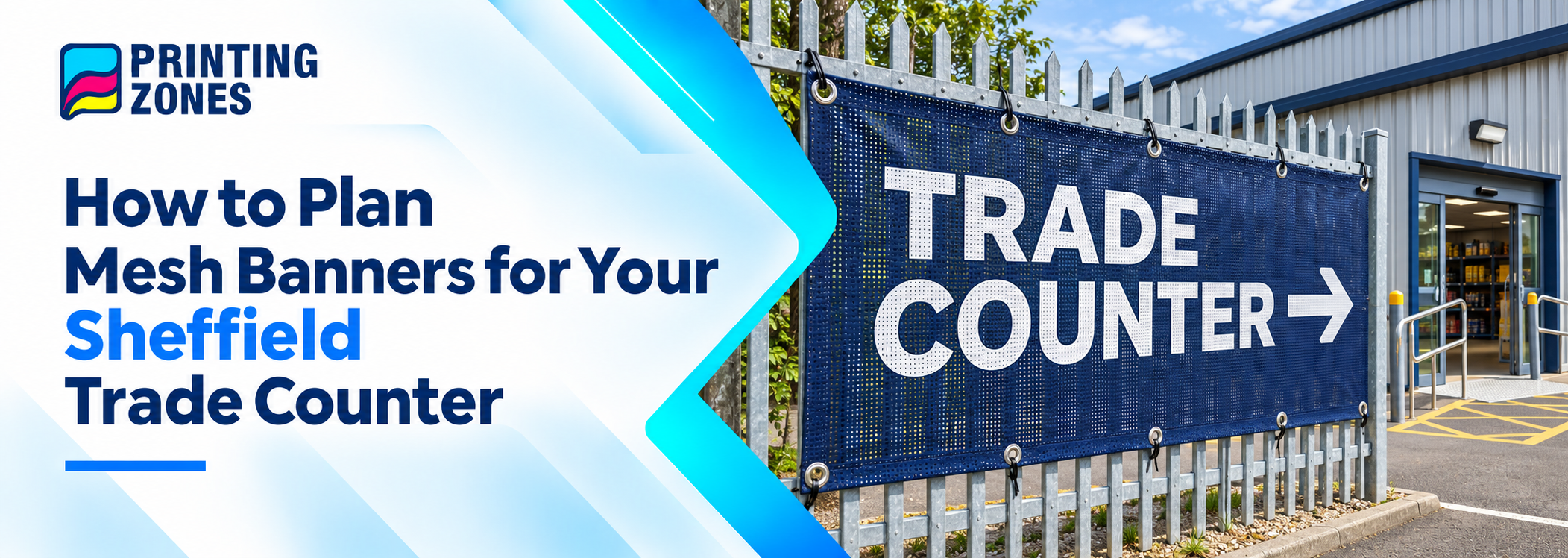
A customer arrives to collect an order and sees three entrances. One leads to the warehouse, another is for deliveries, and the trade counter is around the side. If the only banner shows your company name, the customer still has to guess where to go.
A useful banner layout answers a different question at each point. The first banner confirms the customer has found your business. The next points them towards the trade counter. A sign at the door confirms they’re in the right place. This approach works for Sheffield trade counters, showrooms and collection points with several entrances or shared premises.
Follow the Route a First-Time Customer Takes
Start where customers normally arrive. Walk from the pavement or customer parking area to the collection door. If visitors also come in from a shared yard or a second gate, check that route separately.
Note where someone has to make a choice. They might need to turn at the first corner, pass the roller shutters or enter through a side door. Those are the places where a short message can prevent a wrong turn. Check the route during normal trading hours so you can see whether parked vans, an open gate or stock near the fence will block the view.
Where the customer is
What they need to know
Example wording
Outside the premises
Whether they’ve found the business
[Business Name] · Trade Counter
At the first turn inside the site
Which way to go
Trade Counter →
Beside the warehouse doors
Where customer orders are collected
Customer Collections · Side Entrance
At the correct door
Whether they’ve reached their destination
Collection Point
Use the Same Names on Banners and Order Emails
If your collection email tells customers to use Gate 2, put Gate 2 on the relevant banner. If it says Trade Counter, use the same wording on site. Switching between Trade Counter, Reception and Sales Office can leave a first-time visitor wondering whether they’re looking for the same door.
For a simple check, give someone the collection instructions and ask them to follow the route without help. If they hesitate at a junction or walk to the wrong shutter, you’ve found a place where the wording or placement needs work.
Check Directional Arrows From Each Approach
An arrow that works for someone entering from the main gate may point the wrong way for someone coming from customer parking. Stand at the intended viewing position and check the arrow before approving the artwork. If you need both versions, give the files clear names such as main-gate-trade-counter-right and customer-parking-trade-counter-left.
Make the Wording Readable Against the Fence
Mesh has small openings that let air pass through the printed surface. Some of the background can show through, so look at what sits behind the banner. A row of vehicles or stacked materials may make fine lettering harder to distinguish.
Use a strong contrast between the wording and its background. Give the destination and arrow the most space on a directional banner. Opening hours and collection instructions can go on a separate sign at the door, where customers have time to read them.
If you’re planning to display the banner on an outdoor fence or railing, confirm the proposed position and mounting arrangement with whoever manages the premises before choosing the finish.
Keep Temporary Instructions Easy to Update
Your business name may stay the same even when the collection route changes. Putting those messages on separate banners makes it easier to update directions during refurbishment, yard works or a change in how orders are collected.
For example, keep the permanent [Business Name] · Trade Counter banner at the entrance and use a separate Temporary Collection Point → banner inside the yard. When the usual route reopens, you only need to remove or replace the temporary sign.
Prepare Your Artwork Before Ordering
If you’re printing several banners for one site, use a simple list that tells the printer and your team where each design belongs. Record:
The exact wording and arrow direction for each position.
The approved logo and artwork filename.
The quantity and preferred finish for each design.
The Sheffield delivery address and the person receiving the order.
Keep the approved files together so you can update one directional banner later without rebuilding the whole set.
Print Mesh Banners for Your Sheffield Premises
Once you’ve checked the customer route and approved the wording, choose your finish and prepare your artwork. Printing Zones UK is based in Manchester and delivers custom mesh banners to Sheffield and across the UK. Explore mesh banner printing in Sheffield.